
Why link print to video
Some things are easier to show than to write. A short video can explain how to set up a product, show a property, play a song or introduce your team. A QR code takes people from paper to that video in one scan.
Step 1: pick what to link
- A video — a how-to, a trailer, a product demo.
- A playlist — a course, a series of lessons, an album.
- Your channel — for creators and brands.
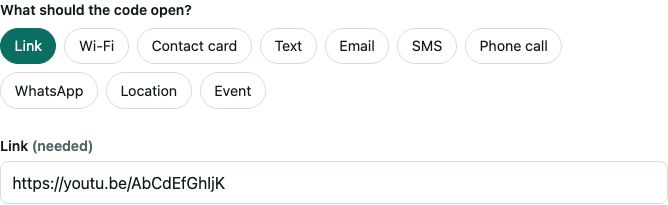
Open it on YouTube, use Share, and copy the link. To skip an intro, choose the option to start at a set time before copying. Paste the link above.
Step 2: put the thumbnail in the code
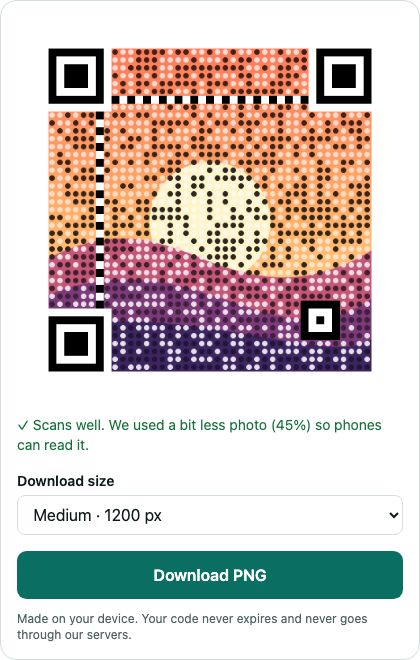
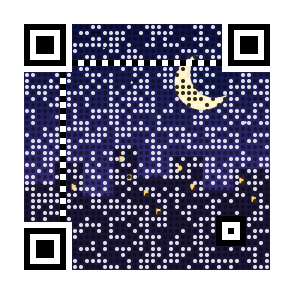
Photo code is selected. Choose Use your own photo and pick your video thumbnail or channel art. People recognise it from YouTube, which makes them more likely to scan. Check Scans well, then download.
Good uses
- Product boxes and manuals: “Watch the 2-minute setup video.”
- Recipe cards and cookbooks: the cooking video.
- Band posters and album sleeves: the music video.
- Classroom handouts: a lesson or explainer.
- Property flyers: a video tour.
- Business cards for video creators.
Tips
- Keep linked videos short and to the point. People scanning are often standing up.
- Use unlisted if the video should only be seen by people with the code.
- Do not delete the video after printing. If you upload a better version, keep the old one up or make a new code.
- Test with your phone, with and without the YouTube app.
Common mistakes
- Linking to a search results page instead of the video. Always copy the link from the video’s own share button.
- A long intro. People who scan want the answer. Use a start time or trim the video.
- Private videos. Only you can watch them. Use public or unlisted.
- Ads before short how-to videos. If you control monetisation, consider turning ads off for support videos people reach from your packaging.
For teachers
Put a code on worksheets that opens the matching lesson video. Students can rewatch the explanation at home at their own speed, and parents can see what was taught.
Questions people ask
How do I get a YouTube video link?
Open the video, choose Share and copy the link. On a computer you can also copy the address from the browser bar.
Can the video start at a certain time?
Yes. YouTube's share options let you start at the current time, which adds a time to the link. Use that link in the code.
Can I link to my whole channel?
Yes. Open your channel and copy its link, or type youtube.com/@yourhandle. The code will open your channel.
Will it open the YouTube app?
On most phones with YouTube installed, the link opens in the app. Without the app, it plays in the browser.
What if I delete or make the video private?
The code will open an error page. Keep the video public, or unlisted if only people with the link should find it.