
Bring your offline fans online
People see your stickers, merch, van or stall every day. A QR code lets them follow you in one scan, without searching for your name.
Step 1: your profile link
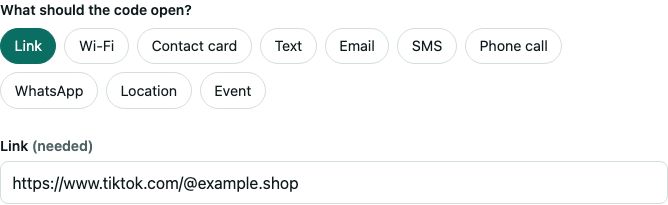
Your TikTok link is always:
tiktok.com/@yourusername
Type it above, for example tiktok.com/@cafe.rosa. You can also copy it from your profile’s share option in the TikTok app. To promote one video instead, copy that video’s link.
Step 2: your face or logo in the code
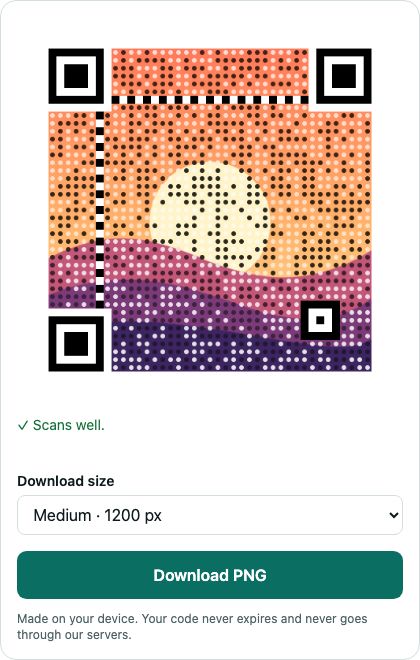
Photo code is selected. Choose Use your own photo and pick your profile picture or logo. People who know you will recognise it. Check Scans well, then download. Choose the Large size for print.
Where it works
- Merch: shirts, tote bags, phone cases and stickers.
- Packaging: “Watch how it’s made on our TikTok.”
- Events and pop-ups: a big code on your stand.
- Business cards and flyers for creators.
- The end of a talk or class: on your last slide.
Tips
- On clothing, print the code at least 5 cm wide and on a flat area, not over seams.
- Keep a short call to action: “Follow for daily tips”.
- Check that your account is public, so new people can see your videos.
- Test the code on a printed sample before ordering a big batch.
Common mistakes
- Leaving out the @. TikTok profile links need the @ before your username, like tiktok.com/@yourname.
- A private account. People who scan cannot see your videos until you accept them. Public accounts grow faster.
- Codes on curved or stretchy surfaces. Mugs, bottles and stretchy fabric bend the code. Test a real sample before a big order.
- No call to action. Say what people will get, like “New recipes every day”.
Grow with every package
If you sell online, add a small card with your TikTok code to every order. Customers who like your product are the best people to follow you, and some will make videos of their unboxing. Ask them to tag you, so you can share their video too.
At live events
At a pop-up or a gig, put a large code behind you or on your table, so people can follow while they watch. Say it out loud too: “Scan the code to follow us.” People copy what others do, so once a few scan, more will follow.
Questions people ask
What is my TikTok profile link?
It is tiktok.com/@ followed by your username, for example tiktok.com/@cafe.rosa. You can also copy it from your profile's share option in the app.
TikTok has its own QR code. Why make another?
TikTok's code uses TikTok's design. This one can hold your own photo or colours, downloads as an SVG for sharp printing, and opens with any phone camera.
Can I link to one video?
Yes. Open the video, use its share option to copy the link, and paste it above.
What if I change my username?
Your profile link changes too, and the old code may stop working. Make a new code after a username change.
Will a dark or busy profile photo still scan?
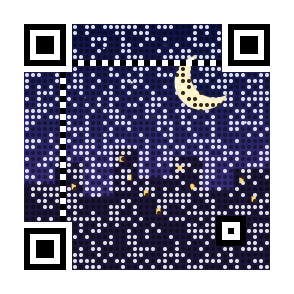
Usually, if you let the scan check help. It lowers the photo strength until the code reads. In our own example below, a busy night picture set to 70 was lowered to 55 before it passed.