
Get followers from the real world
Your shop, stall, product or poster is seen by people who would happily follow you. They just will not type a username. A QR code turns that moment into a follow: scan, tap Follow, done.
Step 1: copy your profile link
Your Instagram link is always:
instagram.com/yourusername
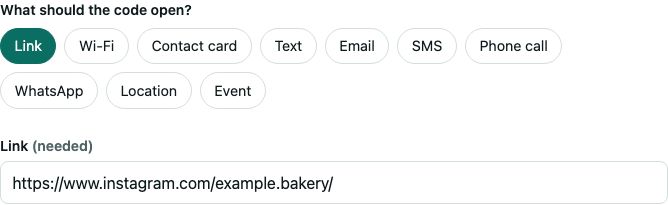
Type it into the box above, for example instagram.com/cafe.rosa. You do not need the https:// part; we add it for you. You can also copy the link from your profile in the Instagram app, using its share option.
Step 2: make it look like you
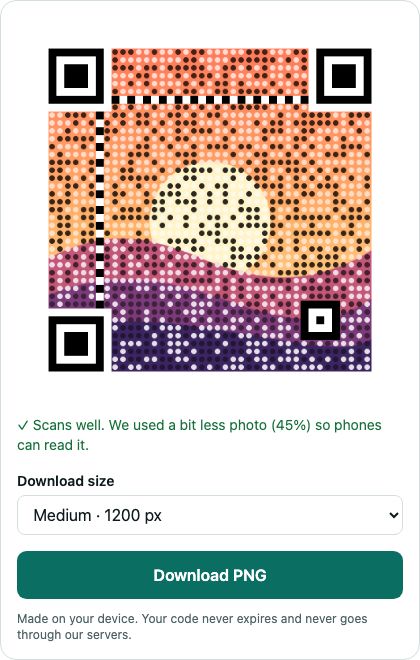
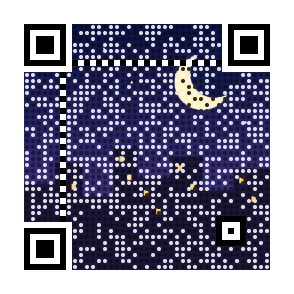
Instagram is about pictures, so use one. Photo code is already selected. Choose Use your own photo and pick your profile picture, your logo or your best post. The photo stays on your device.
Wait for Scans well, then download PNG for social media or the Large size for print.
Where to use it
- Shop windows and counters: “Follow us for new arrivals.”
- Product packaging and swing tags: buyers become followers.
- Business cards for photographers, artists and makers.
- Event stands and market stalls.
- Menus and table cards in cafés.
Add a short reason to follow, like “Daily specials on our Instagram”. People follow when they know what they will get.
Tips
- Use a code at least 2.5 cm wide on small items and keep the white border.
- If your account is private, people can find it but must ask to follow.
- Test the printed code with your own phone before printing many.
- One code, one destination. If you want people to find all your links, point the code at a link-in-bio page instead.
Common mistakes
- A typo in the username. One wrong letter sends people to someone else’s account. Copy the link from the app if you are not sure.
- A private account for a business. New people cannot see your posts before following. Most businesses should stay public.
- Using a story or reel link that expires or gets deleted. Link to your profile unless the post will stay up.
- A tiny code on a busy design. Give the code space and a white border, especially on colourful packaging.
Questions people ask
What is my Instagram link?
It is instagram.com/ followed by your username, for example instagram.com/cafe.rosa. You can also copy it in the app from your profile's share option.
Instagram already has a QR code. Why use this one?
Instagram's own code uses Instagram's design. This one can hold your own photo or brand colours, comes as an SVG for sharp printing, and opens in any phone camera.
What happens if I change my username?
The old link stops working, so the printed code breaks too. Make a new code after any username change.
Can I link to one post instead of my profile?
Yes. Open the post, copy its link and paste it in the box. The code will open that post.
Does it open the Instagram app?
On most phones with Instagram installed, the link opens in the app. Without the app, it opens in the browser.