
Share music on paper
A playlist is a lovely gift and a great party extra. A QR code lets people open it straight from a card, poster or table sign. They do not have to search, spell anything or find your profile.
Step 1: copy the share link
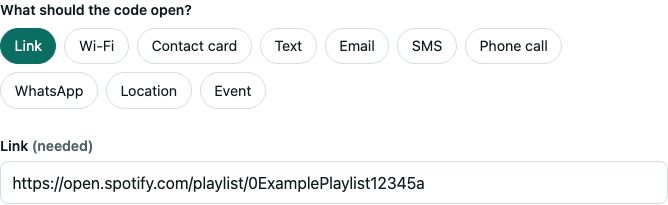
In Spotify, open the playlist, song, album or podcast you want to share. Open its share options and copy the link. Paste it above.
If it is your own playlist, make sure it is public. Private playlists cannot be opened by other people.
Step 2: use the cover art
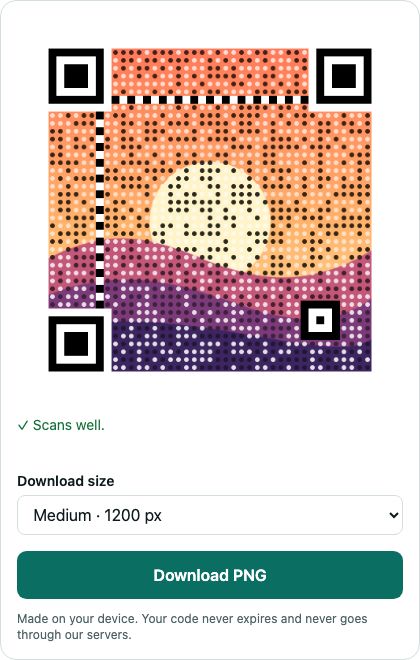
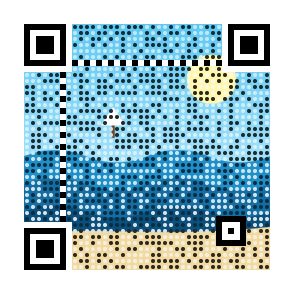
Photo code is selected. Choose Use your own photo and pick the playlist cover, the album art or a photo that fits the mood. Check Scans well and download.
Ideas
- Weddings and parties: “Scan for tonight’s playlist” on the tables, so guests can listen again later.
- Gifts: a handwritten card with a code for “Songs that remind me of you”.
- Shops and cafés: “Like the music? Scan for our playlist.”
- Bands and podcasters: posters, merch and business cards.
- Workouts and classes: the session playlist on the studio wall.
Tips
- Give the playlist a good name and cover; that is what people see first.
- Keep the code at least 2.5 cm wide on cards.
- If you delete the playlist or make it private, the code stops working.
- Test the printed code on a phone without Spotify too, to see what those people get.
Common mistakes
- Sharing a private playlist. Others get an error. Make it public first.
- Linking to a song when you meant the playlist. Copy the link from the playlist itself, not from a song inside it.
- A busy cover that hides the code. Pick a cover with one clear subject, or lower the photo strength a little.
- Deleting a playlist after the party. Guests may scan the card months later. Keep it up.
A gift idea
Make a playlist for someone’s birthday, put a photo of the two of you in the code, and print it on a card. It costs nothing, and they can listen whenever they want. Write one line about why you chose the songs.
Questions people ask
How do I get a Spotify link?
In Spotify, open the playlist, song, album or podcast, open its share options and copy the link. Paste it in the box above.
Spotify has its own codes. Why use this?
Spotify Codes (the sound-wave bars) only scan inside the Spotify app. A normal QR code opens with any phone camera, and it can show your cover art or photo.
Does the playlist need to be public?
Yes, for other people to open it. Private playlists cannot be seen by others even with the link.
What if someone does not have Spotify?
The link opens in the browser, where they can see the playlist and listen in the web player or install the app.
Will the code update when I add songs?
Yes. The code opens the playlist, so new songs show up automatically.