
The easiest way to collect wedding photos
Your guests will take hundreds of photos. Most of them stay on their phones. A wedding QR code on every table fixes that. Guests scan it, the shared album opens, and they add their pictures right there.
Step 1: make a shared album
Use any album service that gives you a share link. With Google Photos:
- Create an album, for example “Ana & Ben’s wedding”.
- Choose Share and create a link.
- Make sure guests are allowed to add photos (Google calls this Collaborate).
- Copy the link.
Do this a few weeks before the day, and test it with a friend.
Step 2: put your photo in the code
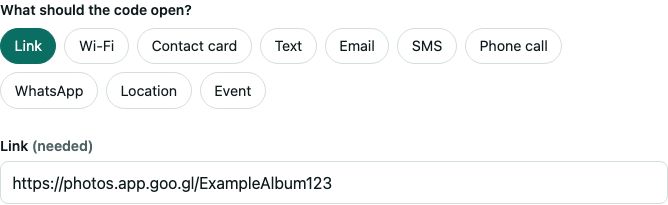
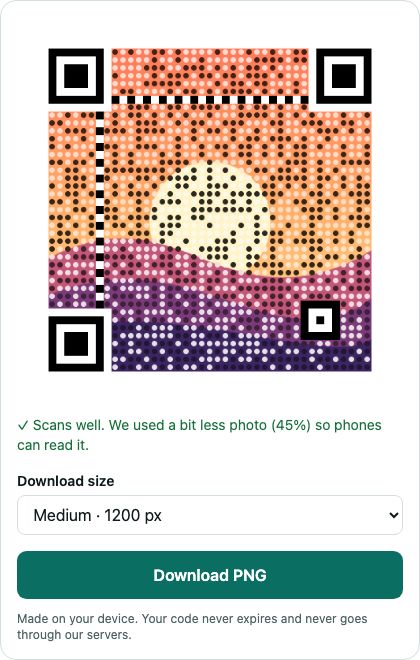
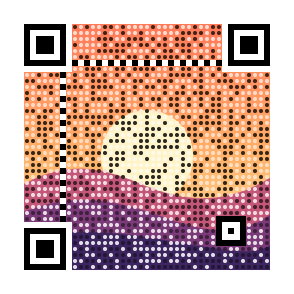
Paste the album link above. Photo code is already selected. Choose Use your own photo and pick a picture of the two of you. Faces and simple backgrounds work best. Your photo stays on your device; it is never uploaded.
Wait for Scans well, choose the Large size for printing, and download.
Step 3: print and place it
- Table cards: one per table, about 3–5 cm wide, with a line like “Share your photos with us!”
- Welcome sign: a big code, 15–20 cm, by the entrance.
- The bar and photo booth: where people already have their phones out.
Print one card first and scan it with two or three phones before printing the rest.
Other wedding codes
- RSVP: a code on the invitation that opens your RSVP form or wedding website.
- Directions: a location code that opens the venue on a map — great for hard-to-find barns and gardens.
- Save the date: an event code that adds the day to guests’ calendars.
- The playlist: a code for your Spotify playlist, so guests can listen again after the party.
A word on privacy
Anyone with an album link can see the photos. That is fine at the wedding, but do not share the code on social media if the album should stay private. If you ever reset the album’s link, the printed code stops working, so decide before you print.
Birthdays and parties too
The same trick works for any party: birthdays, anniversaries, reunions and work events. One album, one code, every guest’s photos in one place.
Questions people ask
How do guests add their photos?
Make a shared album (for example in Google Photos) and turn on the option that lets others add photos. Put the album's share link in the code. Guests scan, open the album and add their pictures.
Can anyone see the album?
Anyone with the link can open it, so anyone who scans the code can too. Keep the cards at the wedding and do not post the code online if you want it private.
Can I use one code for RSVP and photos?
A code opens one link. If you have a wedding website with RSVP and photo pages, link to the website. Otherwise, make two codes: one on the invite for RSVP, one on the tables for photos.
Will a code with our photo still scan?
Yes. Every code is scanned in your browser before you download it. If your photo makes it hard to read, we use a little less photo and tell you.
What size should it be on a table card?
At least 3 cm wide. On a welcome sign that people read from a few steps away, make it 15–20 cm.