
Why restaurants use menu QR codes
A QR menu is always up to date. Change a price or add a special on your website, and every table sees it at once. No reprinting, no crossed-out prices. Guests can also read the menu in their own time, zoom in, and see photos.
Step 1: choose where the menu lives
You have three good options:
- A menu page on your website. The best choice. It is easy to read on a phone, quick to load, and you can update it any time.
- A PDF online, for example in Google Drive with sharing set to “Anyone with the link”. Keep it to one column so it reads well on a small screen.
- Your ordering or booking platform’s menu page, if you already use one.
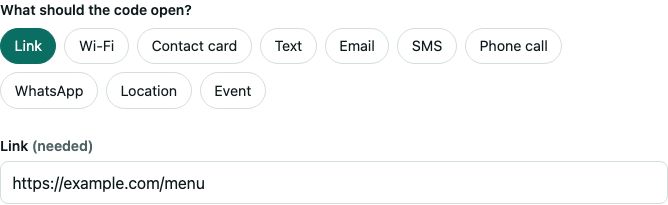
Copy the menu’s link and paste it above.
Step 2: make it mouth-watering
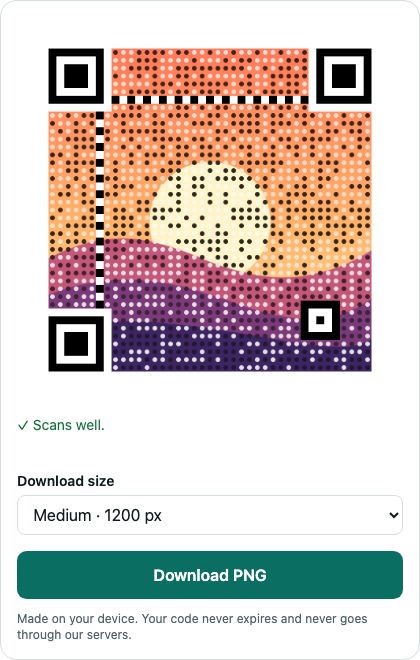
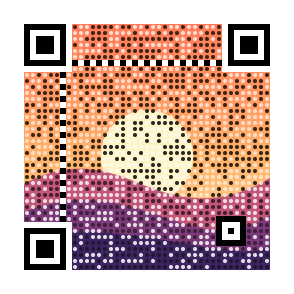
Photo code is selected. Choose Use your own photo and pick a picture of your best dish or your dining room. A tasty photo in the code makes guests want to scan. Keep the photo strength at the default and check for Scans well.
Step 3: print table cards
- Size: 3–5 cm wide on table tents and stickers.
- Paper: matte, not glossy. Glare from ceiling lights makes codes hard to scan.
- Words: “Scan for our menu” plus your Wi‑Fi details if you share them.
- Placement: where every seat can reach it, not hidden under a vase.
Print one card and test it at a table, in your real lighting, with two or three phones.
Pair it with other codes
- A Wi‑Fi code on the same card, so guests can get online.
- A Google review code on the bill or receipt.
- A WhatsApp code on takeaway menus for orders.
Keep it working
Never delete or move the menu page or PDF without keeping the same link. If you redesign your website, make sure the old menu address still opens the menu.
Common mistakes
- A huge PDF. Guests on mobile data wait and give up. Keep the file small, or use a web page.
- A tiny two-column PDF. People have to pinch and zoom on every line. Use one column and big text.
- Codes only at the door. Put one at every table, where people actually decide what to order.
- Glossy lamination under bright lights. It reflects and phones fail to read the code. Use matte finishes.
Questions people ask
Does the code hold my menu?
No. It holds a link to your menu, which lives on your website or as a PDF online. The code opens it.
Can I change prices without reprinting?
Yes, if the link stays the same. Update the menu page on your website, or replace the PDF in a way that keeps its link. The printed codes keep working.
Is there a monthly fee?
No. QRVivid is free, and the code does not go through our servers, so it keeps working forever.
What size should a table code be?
About 3–5 cm wide on a table card. Use matte paper or card to avoid glare from lights.
Should I still have paper menus?
Yes, keep a few. Some guests have no phone, a flat battery or simply prefer paper.