
Why a review QR code works
Most happy customers would leave a review. They just do not get round to it. Finding your business on Google, scrolling to the reviews and tapping the right button takes too long. A QR code skips all of that. One scan opens the review box with your business already chosen.
Step 1: get your review link
Google gives every Business Profile its own review link. Get it on a computer, because Google says review links and codes can only be made in a computer browser:
- Sign in to the Google account that manages your business.
- Open your Business Profile (search for your business name on Google).
- Choose Read reviews, then Get more reviews.
- Copy the link that appears.
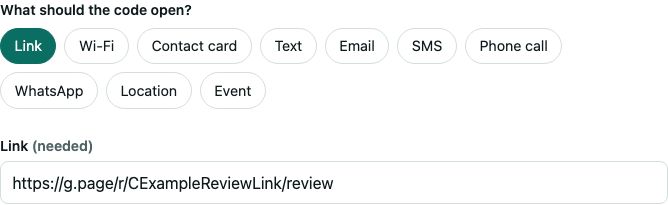
Paste that link into the box above. The code is made in your browser, so the link is not sent to us.
Step 2: make the code look like your shop
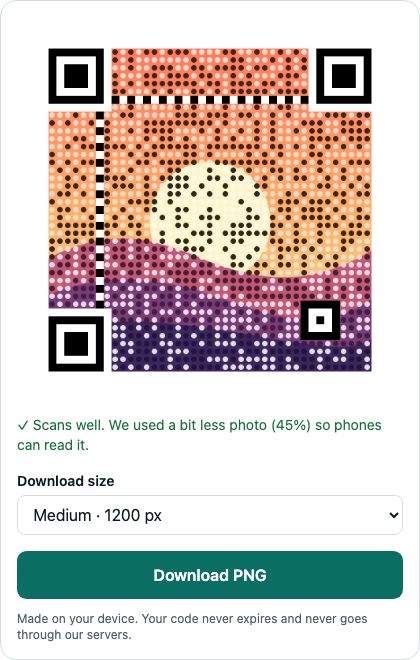
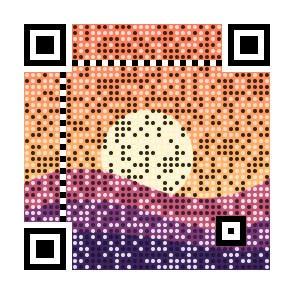
A review code sits on your counter, so it should look good. Choose Photo code and pick a photo of your shop front, your logo, or your best dish. Or choose Styled code and use your brand colours with your logo in the middle. Check the green Scans well note before you download.
Step 3: put it where people are happy
- On the counter, next to the card reader: “Enjoyed your visit? Leave us a review.”
- On receipts and takeaway bags.
- On the table, beside the menu code.
- In thank-you emails, as a picture people can scan from another screen.
- On delivery notes for online orders.
Keep the code at least 3 cm wide on a counter sign and keep the white border around it.
Words that help
Short, friendly text works best near the code: “Scan to review us on Google — it takes 30 seconds.” Say thank you. Do not promise anything in return for a review, because Google’s rules forbid rewards for reviews.
After you print
Scan your printed sign with your own phone. Check that the review box opens for the right business. Then read your new reviews, and reply to them. Customers notice when a business answers.
Questions people ask
Where do I find my Google review link?
On a computer, open your Google Business Profile, choose Read reviews, then Get more reviews, and copy the link. Google says the review link and QR code can only be made in a computer browser, not on the phone app.
Can I use my normal Google Maps link instead?
It works, but it is worse. A Maps link opens your business page, and people must find the review button themselves. The review link opens the review box straight away, so more people finish.
Do customers need a Google account?
Yes. Google only lets signed-in users post reviews. Most Android users and many iPhone users are already signed in.
Can I offer a discount for a review?
No. Google's rules do not allow rewards or discounts in exchange for reviews, and fake or paid reviews can be removed. Just ask kindly.
I have more than one shop. Do I need more codes?
Yes. Each location has its own Business Profile and its own review link. Make one code per location so reviews land in the right place.