

Turn visitors into followers
People who walk into your shop or pick up your flyer are your best future customers. A Facebook QR code lets them follow your page in seconds, so they see your news, offers and events later.
Step 1: copy the right link
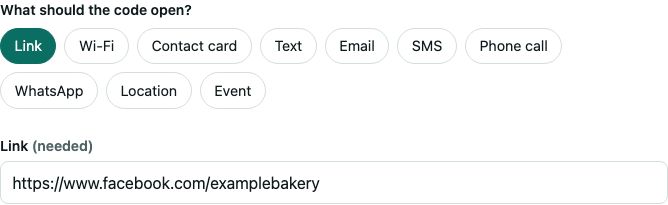
Decide what the code should open:
- Your business page — for news, opening hours and reviews.
- A group — for a community, club or class.
- An event — for a sale, concert or open day.
On a computer, open it on Facebook and copy the address from the top of the browser. In the app, open it and use the share option to copy the link. Paste the link above.
Step 2: add your look
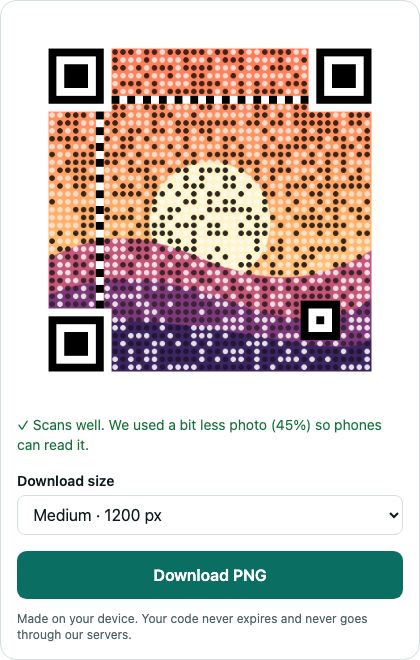
Photo code is selected. Add your logo, shop front or team photo, or switch to Styled code and use your brand colour with your logo in the middle. Check Scans well before downloading.
Where to put it
- Shop windows, doors and counters.
- Flyers, posters and leaflets.
- Receipts and paper bags.
- Event signs and stalls.
- Community notice boards.
Tell people why to scan: “Follow us for weekly deals” or “Join our running club group”.
Tips
- Check that your page is published and visible to everyone before you print.
- For groups, write a clear group description, so people know they are in the right place.
- Test the printed code with your phone, both with and without the Facebook app installed if you can.
Common mistakes
- Linking to your personal profile instead of the business page. Customers want the page with your hours and offers, not your holiday photos.
- Copying a link from a post when you meant the page. Post links open one post, not the page.
- An unpublished or age-restricted page. Some people will see an error. Check the page’s visibility settings.
- No reason to follow. A code alone gets few scans. “Follow for flash sales every Friday” gets many more.
Facebook and Instagram together
If you run both, you can make one code for each and print them side by side, each with its logo. Or link one code to a page on your own website that lists all your social accounts.
Questions people ask
Where do I find my Facebook page link?
On a computer, open your page and copy the address from the browser bar. In the app, open the page and use its share option to copy the link.
Can I link to a Facebook group?
Yes. Copy the group's link the same way. People can see a public group straight away; for a private group, they will be asked to request to join.
Can I link to a Facebook event?
Yes. Every event has its own link. You can also use our event code to add the date to people's calendars.
Does it open the Facebook app?
On most phones with the Facebook app installed, the link opens in the app. Otherwise it opens in the browser.
My page name changed. Does the code still work?
Page links usually use a username. If you change the username, the old link may stop working, so make a new code after any change.