

Why a form QR code works
Paper forms get lost and need typing up. A QR code puts the form on people’s phones, and the answers land in your spreadsheet. It works for:
- Customer feedback at the till or on the table.
- Sign-ups for newsletters, classes or events.
- Attendance at lessons, training and meetings.
- Quizzes and surveys in classrooms.
Step 1: get the short form link
In Google Forms:
- Open your form.
- Choose Send (or Share).
- Pick the link option.
- Tick Shorten URL. A shorter link makes a cleaner code.
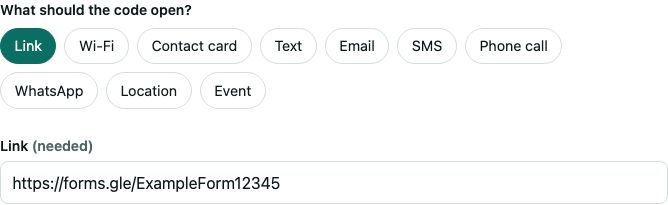
- Copy it and paste it above.
Step 2: check who can answer
If your Google account belongs to a school or company, the form may only accept people from that organisation. Outsiders will see a sign-in page. Open the form’s settings and turn off that limit if the public should answer. Then open the link in a private browser window to check.
Step 3: make and print the code
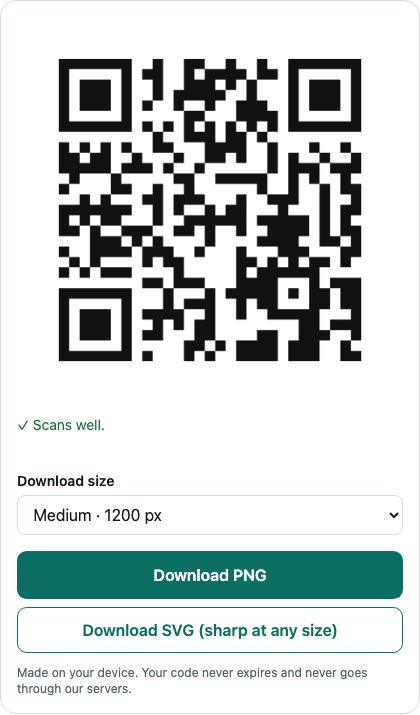
Styled code is selected, so you get a clean code that is easy to read on paper. Pick colours that match your school or brand, or add a logo. Check Scans well and download.
Write what the form is for next to the code: “Scan to tell us how we did (1 minute)”. A short time promise gets more answers.
Good spots
- On the table, counter or reception desk.
- On a slide at the start or end of a talk.
- On the classroom door or whiteboard.
- On receipts and thank-you cards.
Edits are safe
You can change questions, add sections or fix typos later. The link stays the same, so the printed code still works. Only deleting the form, or making a new one, breaks the code.
Common mistakes
- Using the edit link. The link in your browser while you build the form is for editing. Always copy the link from Send, which is the one people fill in.
- Forgetting to accept responses. If the form is set to stop accepting responses, people see a closed message. Check before an event.
- Too many questions. People scanning are often standing. Five quick questions get far more answers than twenty.
- Asking for sensitive data on a public sign. Keep it to what you really need.
Questions people ask
Where do I find my Google Form link?
In Google Forms, open the form, choose Send (or Share), pick the link option, tick Shorten URL, and copy. A short link makes a simpler code.
Why do people see a sign-in page?
The form may be limited to people in your school or company. In the form's settings, turn off that limit if outsiders should be able to answer. Then test in a private browser window.
Does it work with Microsoft Forms or Typeform?
Yes. Any form with a public link works. Copy the share link from your form tool and paste it here.
Can I see who scanned the code?
The code cannot count scans. Your form tool shows who answered, which is what usually matters.
Can I change the questions after printing?
Yes. The link stays the same when you edit questions in the same form, so the printed code keeps working.