

A simple way to get paid
Market stalls, buskers, tutors, hairdressers, delivery drivers and anyone collecting money for a club can use a payment QR code. People scan it, their payment app opens on your page, and they pay or tip. No card reader needed.
Step 1: get your payment link
Use the link from the app your customers use most:
- PayPal: create a PayPal.Me link at paypal.me. It looks like
paypal.me/yourname. - Venmo and Cash App: copy your profile link from the app’s share options.
- Other services with a public payment page (like a donation or tips page) work too. Paste any link that opens your page.
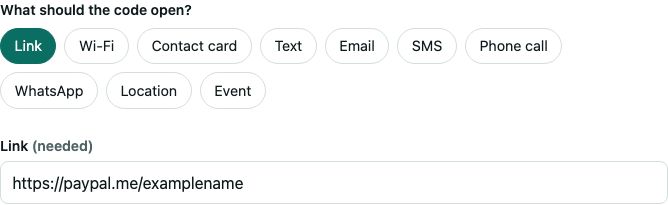
Paste the link above.
Step 2: make it clear and safe
Styled code is selected. Add your logo and use your brand colour, but keep the dots dark and the background light. Write the payment app and your name next to the code: “Pay Rosa’s Bakery with PayPal”. People should know who they are paying.
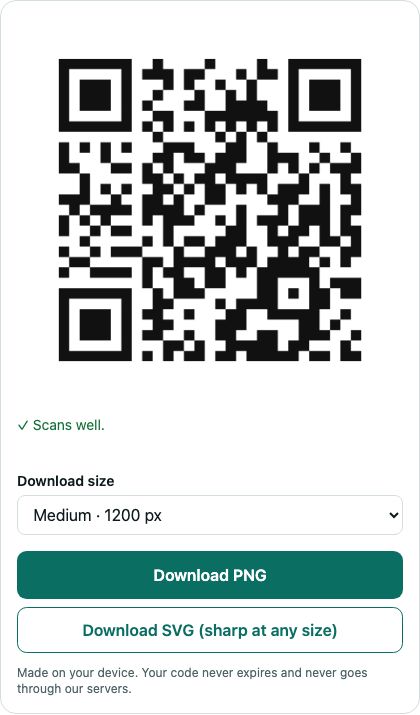
Check Scans well and download.
Stop sticker scams
Fake QR codes stuck over real ones are a known scam. Protect your customers:
- Mount the code under a clear cover, or print it directly on your sign.
- Check it often for stickers.
- Ask payers to check your name on the payment screen before they pay.
What this code cannot do
A QR code from QRVivid opens a link. It cannot take card payments by itself, and it cannot make Zelle, Apple Pay or bank-transfer codes. Use your bank’s or app’s own code for those.
Good uses
Tip jars, market stalls, school fundraisers, sports clubs, street performers, invoices and “pay me back” notes between friends.
Common mistakes
- No name next to the code. People hesitate to pay a code that does not say who it belongs to. Always print your business name and the app.
- A personal account for business income. Some payment apps have separate business accounts with different rules. Check what yours allows.
- One code for many amounts. If you charge different prices, leave the amount open and let people type it.
- Never checking the sign. Look at your printed code at the start of each day, in case someone covered it.
Questions people ask
Do you handle the money?
No. The code only opens your own payment page, such as your PayPal.Me link. The payment happens in PayPal, Venmo or Cash App. We never see it.
How do I get a PayPal.Me link?
Create one at paypal.me with your PayPal account. You choose a name, and your link becomes paypal.me/yourname. Pick carefully: it is hard to change later.
Can I make a Zelle, Apple Pay or bank transfer code?
No. Those come from your bank or the payment app itself. Use the QR code inside that app for those.
Can I set an amount?
PayPal.Me links can include an amount, for example paypal.me/yourname/10. Each amount needs its own code. Most people leave the amount open.
How do I stop fake codes?
Scammers sometimes stick their own code over a real one. Fix your code where it cannot be covered, and ask payers to check your name on the payment screen before they pay.